0:11
The suited shuffle
A sharp suit. An unexpected set of moves.
720 × 1280 · 0:11 · MP4Turn your photo into a Toc Toc dance video. Go solo or bring a friend. Choose your dance, upload your photos and make the moves your own.
When you generate, your photos are uploaded to create your video.
Toc Toc AI is a photo-to-dance generator: a still portrait becomes the starting point for a short dance video. The signature look pairs a full-body subject with footwork, leaning poses and a steady vertical frame. Choose a Solo or Duo reference and create your own video after signing in.
Three examples to watch, compare and play again.
A sharp suit. An unexpected set of moves.
720 × 1280 · 0:11 · MP4Watch the footwork, then the lean.
720 × 1280 · 0:11 · MP4Two dancers. One very good reason to replay.
1080 × 1920 · 0:11 · MP4Watch how the feet, shoulders and body lean change over a few seconds. These six frames come directly from the first sample video, so you can study the movement before writing a prompt.
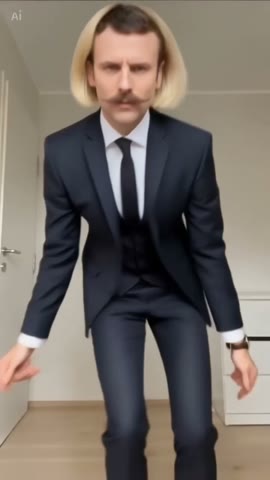
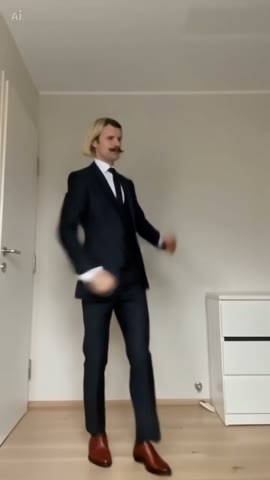
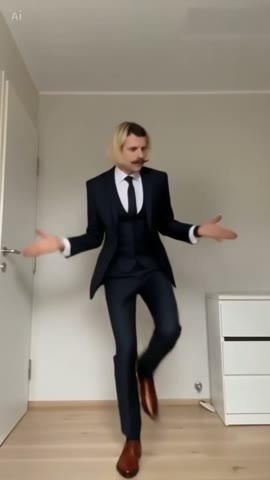
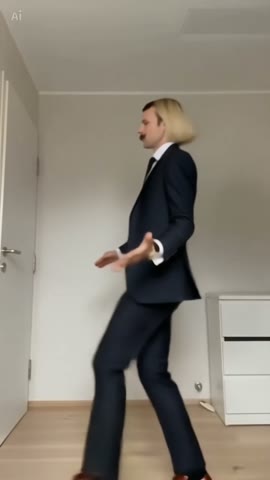
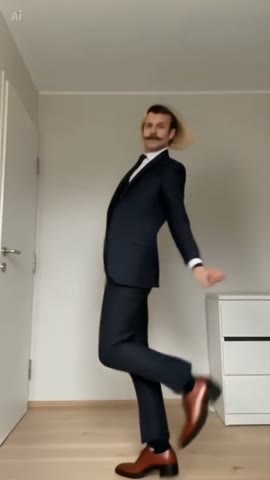
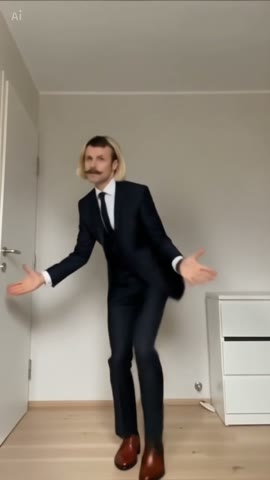
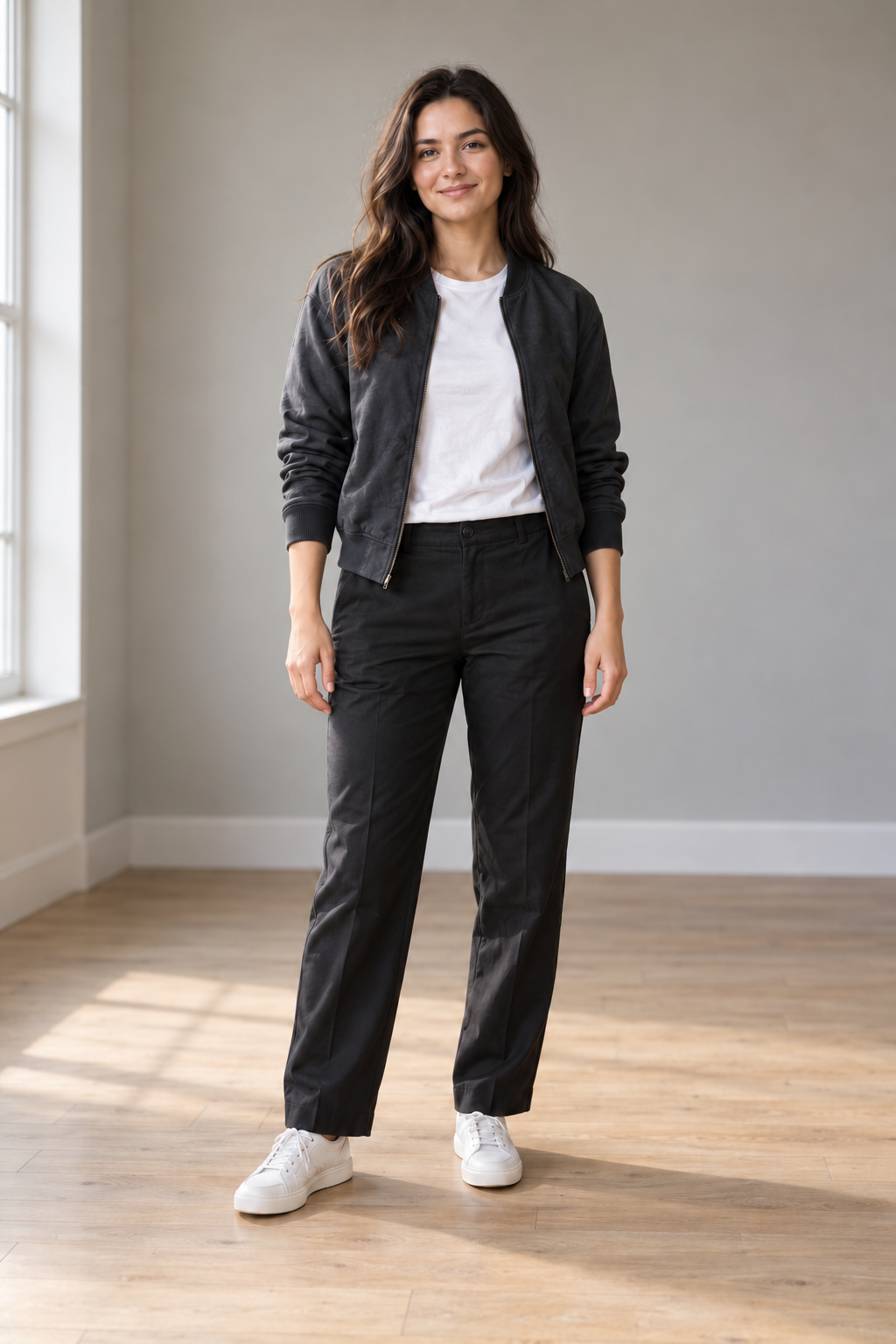
Keep the full body in frame. Clear hands, separate feet and a simple background make it easier to describe the movement you want. This illustrated source portrait is an AI-created photo-preparation example, not the source of the videos shown here.
Start with a photo you have permission to use.
Define steps, leans and a steady camera.
Prepare an idea that feels like your own.
Preview first. Upload when you choose Generate video.
Full body. Clear light. Your own style.
Solo, duo or a playful sideways lean.
Sign in, generate and download your video.
Different tools serve different parts of the process. Start with what you need.
| Your goal | Where to start | Guide |
|---|---|---|
| Plan the dance | Photo and prompt | Dreamina |
| Explore reference motion | Movement and subject | Higgsfield |
| Edit the result | Clip, captions and audio | CapCut |
Create a solo or duo Toc Toc dance from your photos. Sign in, choose a dance and use one video from your balance. Your completed video appears in My videos.
Photo selection stays in your browser until you select Generate video while signed in. Your photos are then uploaded and sent to the generation service. Removing a preview does not delete an uploaded file.
Yes. Use Download sample below a reference video. Your own completed videos have a separate download in My videos.
You can watch examples without an account. Sign in before uploading photos, buying a pack or generating a video.