How to make a
Toc Toc dance AI video.
Prepare your photo, plan the movement and test the flow. A practical guide from the first image to a share-ready dance idea.
When you generate, your photos are uploaded to create your video.
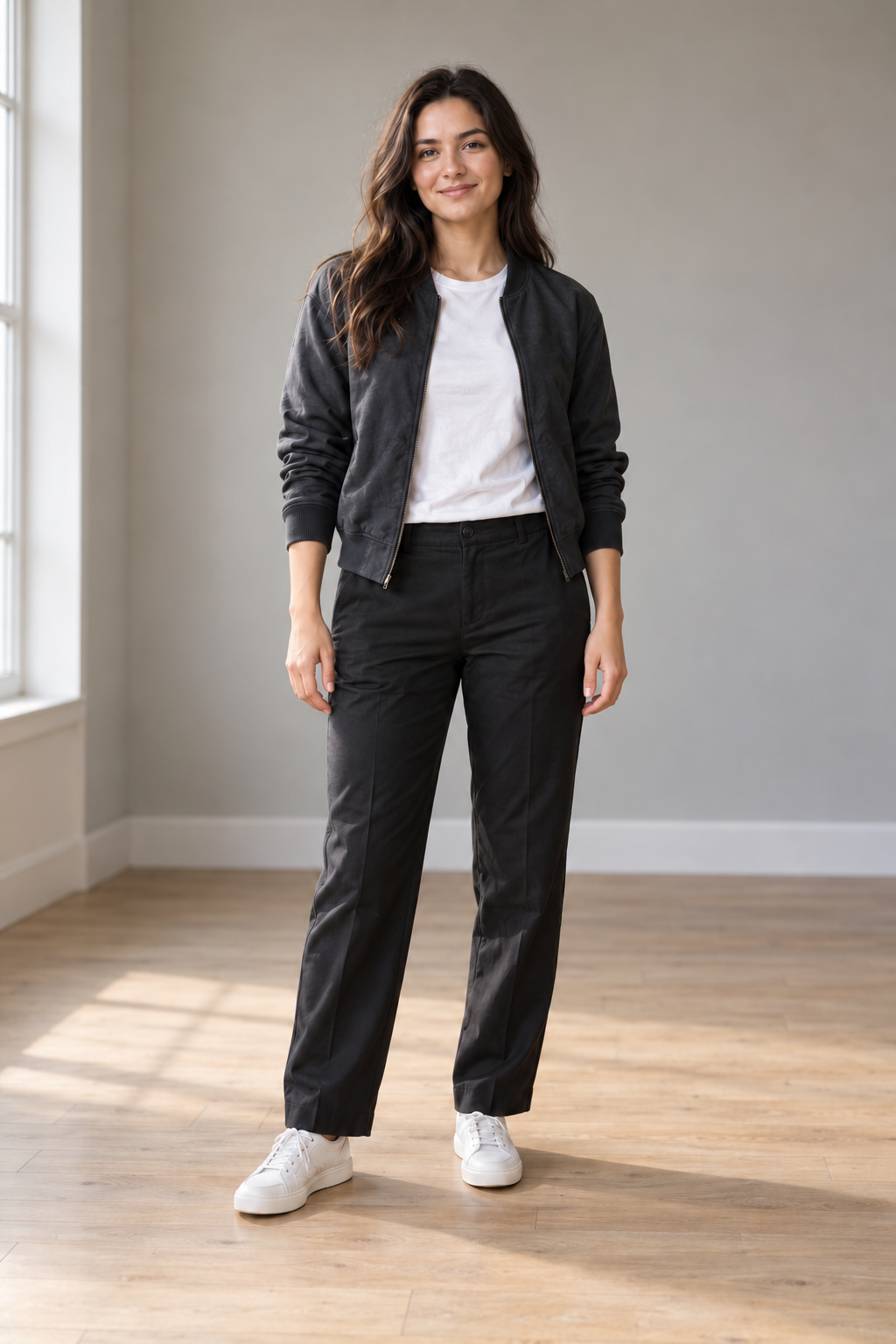
1. Choose a photo with the whole body visible.
Use a JPEG, PNG or WebP under 10 MiB for this preview. Keep both feet in frame, separate the arms from the torso and avoid objects blocking the legs. A sharp, evenly lit photo is easier to assess than a blurred screenshot.
2. Pick a movement and test the preview.
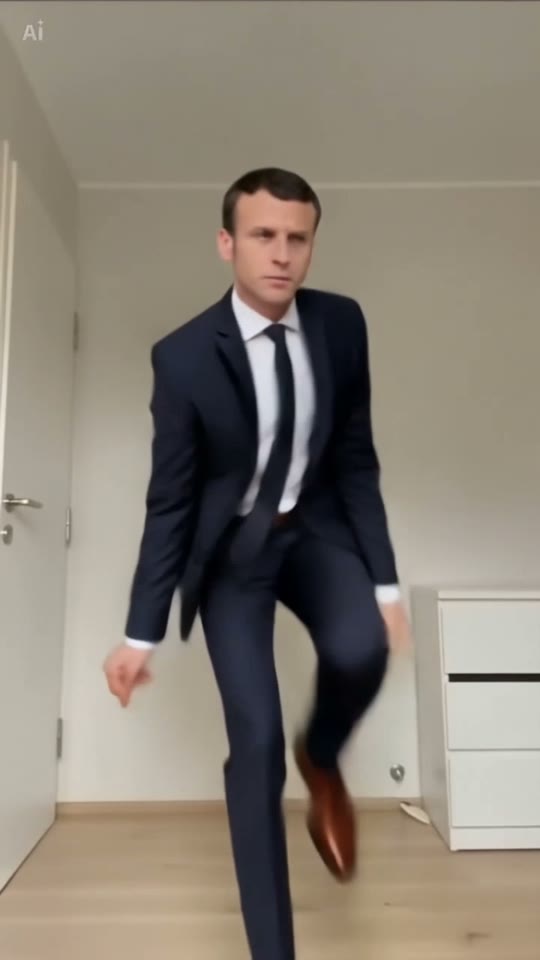
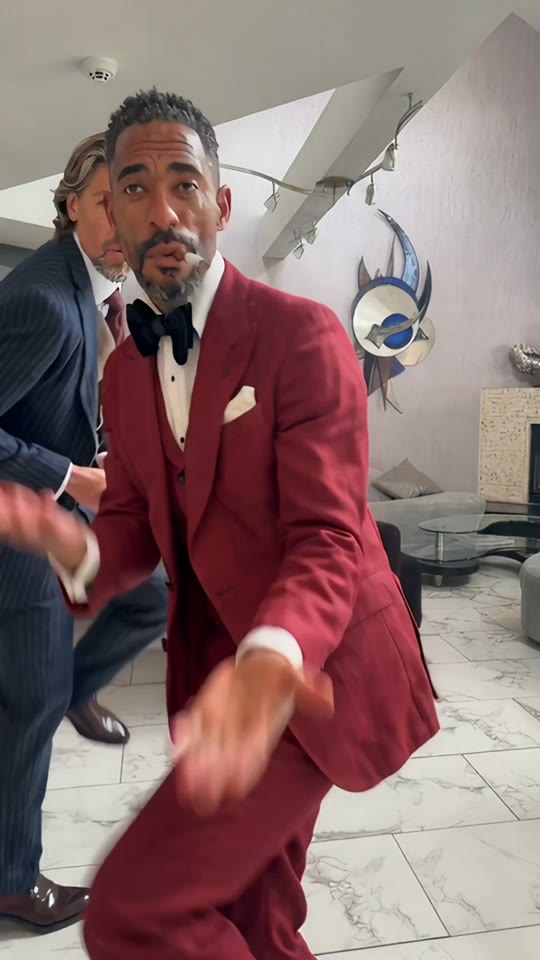
Choose Solo and one of its two references, or Duo and its two-person reference. Upload one photo for Solo or two separate photos for Duo. Sign in and select Generate video. Each generation uses one video from your balance.
3. Take the idea into your video workflow.
Copy a prompt from the prompt guide and adapt it to the image-to-video tool you use. Check its current input rules and generation settings. Review hands, feet and face frame by frame, then add licensed audio and captions in an editor.
A full-body person performs compact rhythmic side steps with a gentle sideways lean. Keep the hands natural, both feet visible, the background unchanged and the vertical camera fixed. One continuous shot.
4. Review before you share.
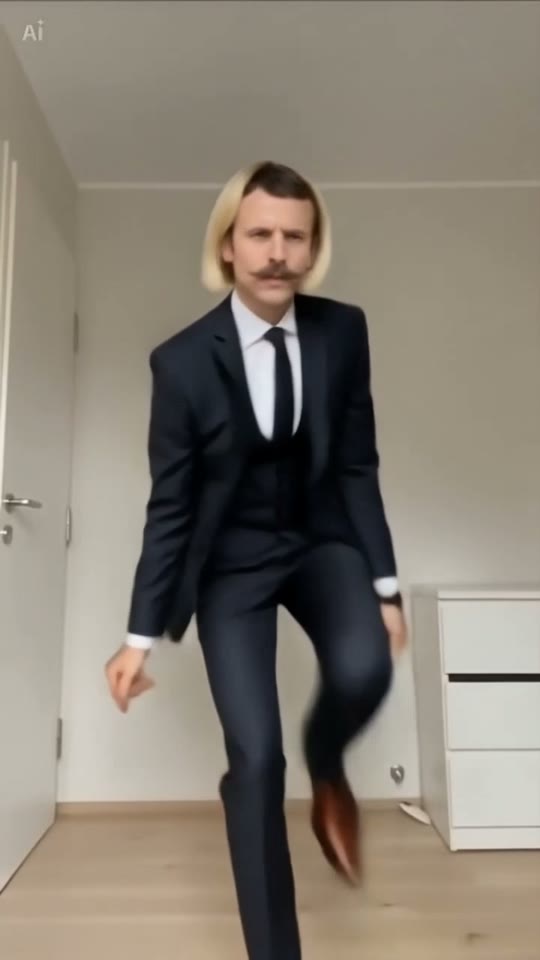
Watch the clip once at normal speed and once slowly. Check for disappearing limbs, a sliding floor or an abrupt ending. Crop only after checking that the feet stay visible. The sample download on this site is for inspecting the format, not a personalized export.
A few good questions.
What is the easiest photo to start with?
One standing adult, fully visible, in clear light against a simple background. Use a photo you have permission to use.
Why does the preview show someone else?
The reference player shows the selected dance. After generation finishes, Your video shows the new result made from your photos.