Pick your photo
Full body. Clear light. Your own style.
Understand where editing fits in a Toc Toc dance workflow. Plan the motion first, then shape the pacing, captions and sound.
When you generate, your photos are uploaded to create your video.
CapCut offers an online video editor. Editing an existing clip lets you arrange footage and shape its presentation; it is different from turning a still photo into new body movement. Check the current tool page for available editing features.
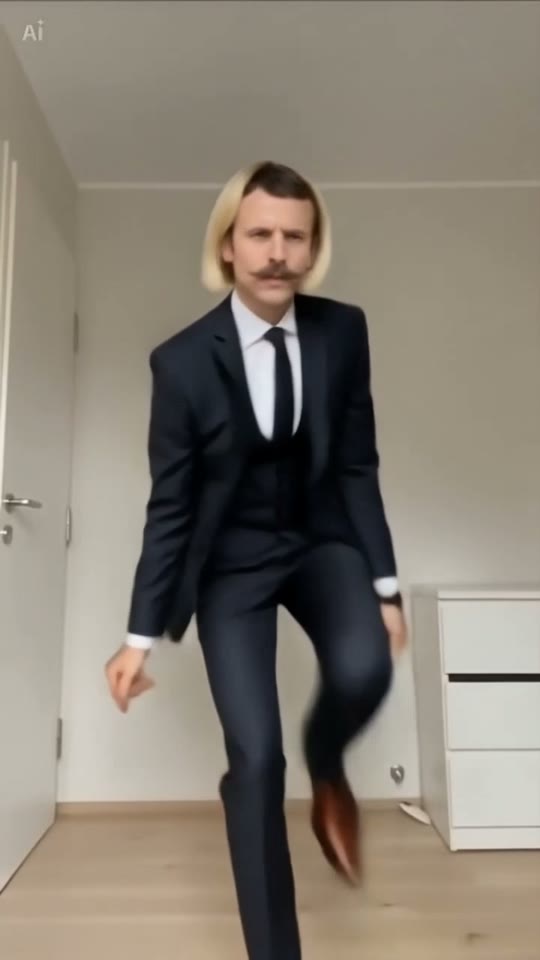
Start with a video you have permission to edit. Watch the feet before cropping. Add a brief caption outside the face and footwork area, then check the cut on a phone-sized screen. Keep an untouched copy so you can compare the edit.
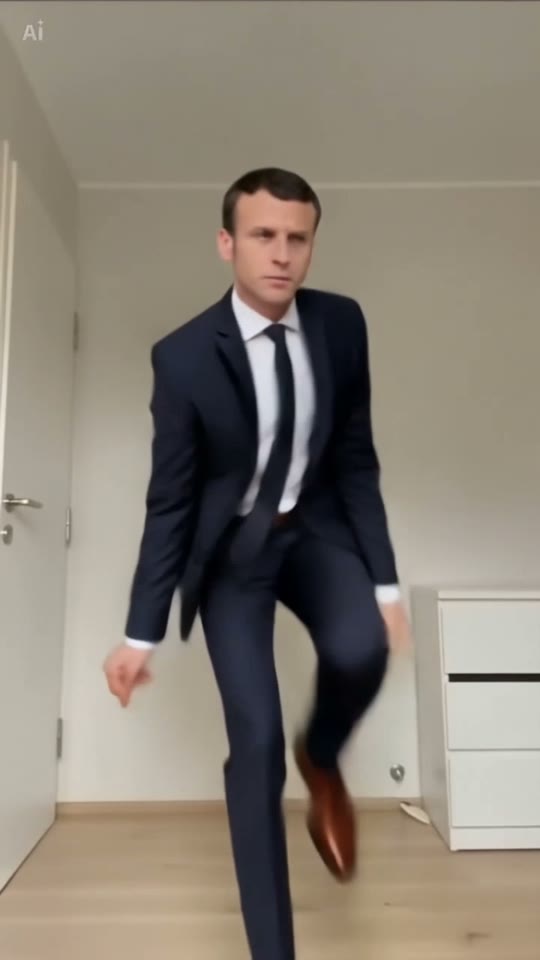
Our template page provides a shot recipe and editable prompt. It does not install an effect in CapCut or open an official template. Download your completed MP4 from My videos and import it into your preferred editor.
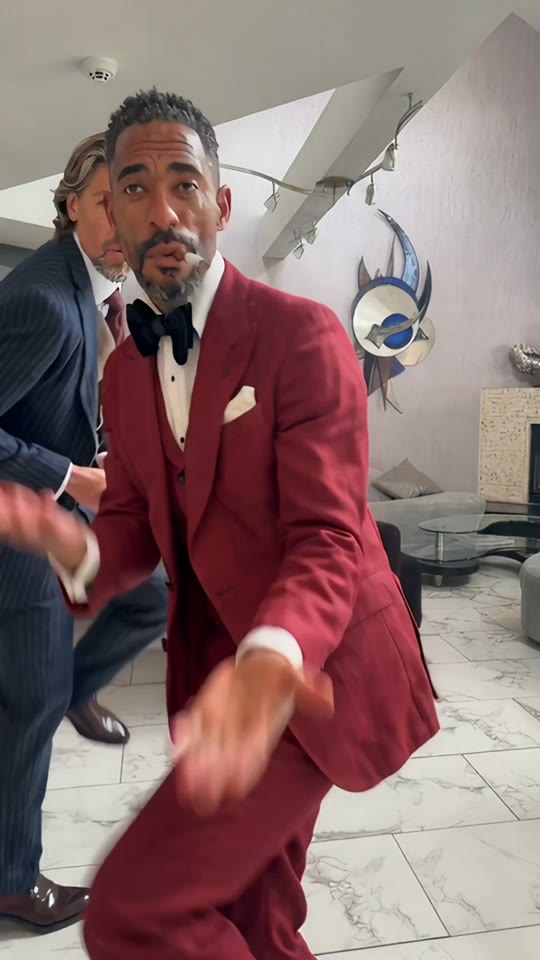
Full body. Clear light. Your own style.
Solo, duo or a playful sideways lean.
Sign in, generate and download your video.
The download is an MP4 file. Confirm that your editor supports it and that you have permission for your intended use.
No. There is no account connection or automatic project transfer.