Pick your photo
Full body. Clear light. Your own style.
Prepare a dance concept before choosing a generation tool. Compare the role of prompts, photos and the local Toc Toc preview.
When you generate, your photos are uploaded to create your video.
Dreamina presents an AI video generator. Its supported models, controls and account requirements can change, so use its official page to check the current workflow rather than treating this guide as a settings manual.
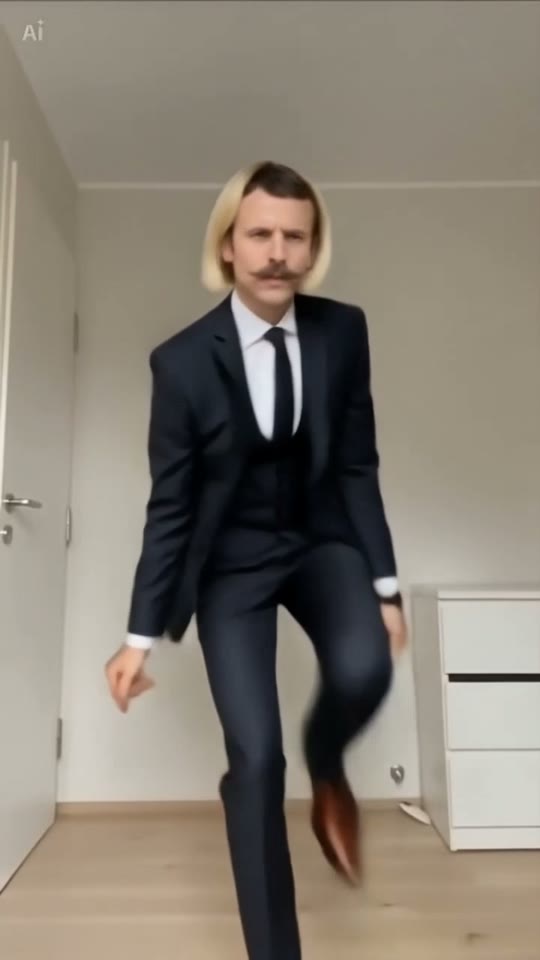
Choose a full-body photo and write a short movement instruction. Keep the camera request separate from the dance. If a first result is hard to read, reduce the movement instead of adding many more effects.
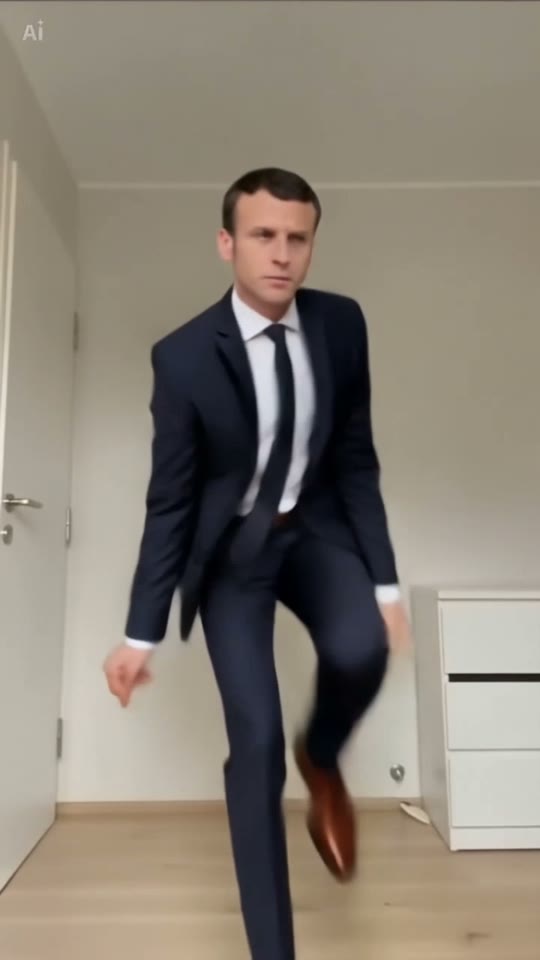
Toc Toc AI provides a local photo preview, three supplied examples and bilingual guides. It does not send photos to Dreamina, share accounts or compare output quality with a controlled test. Pricing and generation terms belong to the provider you choose.
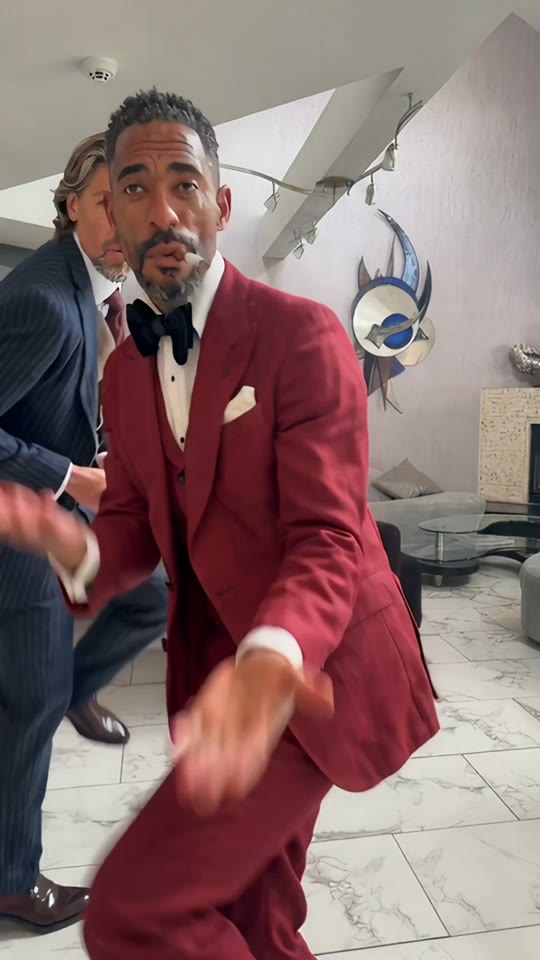
Full body. Clear light. Your own style.
Solo, duo or a playful sideways lean.
Sign in, generate and download your video.
No. This site uses Redline minimax-h3 for generation.
Yes. Adapt it to that tool’s supported inputs and review the result. A prompt does not guarantee identical motion.