Pick your photo
Full body. Clear light. Your own style.
Prepare a photo for a dance idea: full-body framing, clear limbs and space for the movement. Check it locally before you begin.
When you generate, your photos are uploaded to create your video.
Separate arms from the torso and avoid crossing the legs. Choose a photo where the hands and shoes are visible. A busy foreground or another person covering the subject can make it unclear which limbs should move.
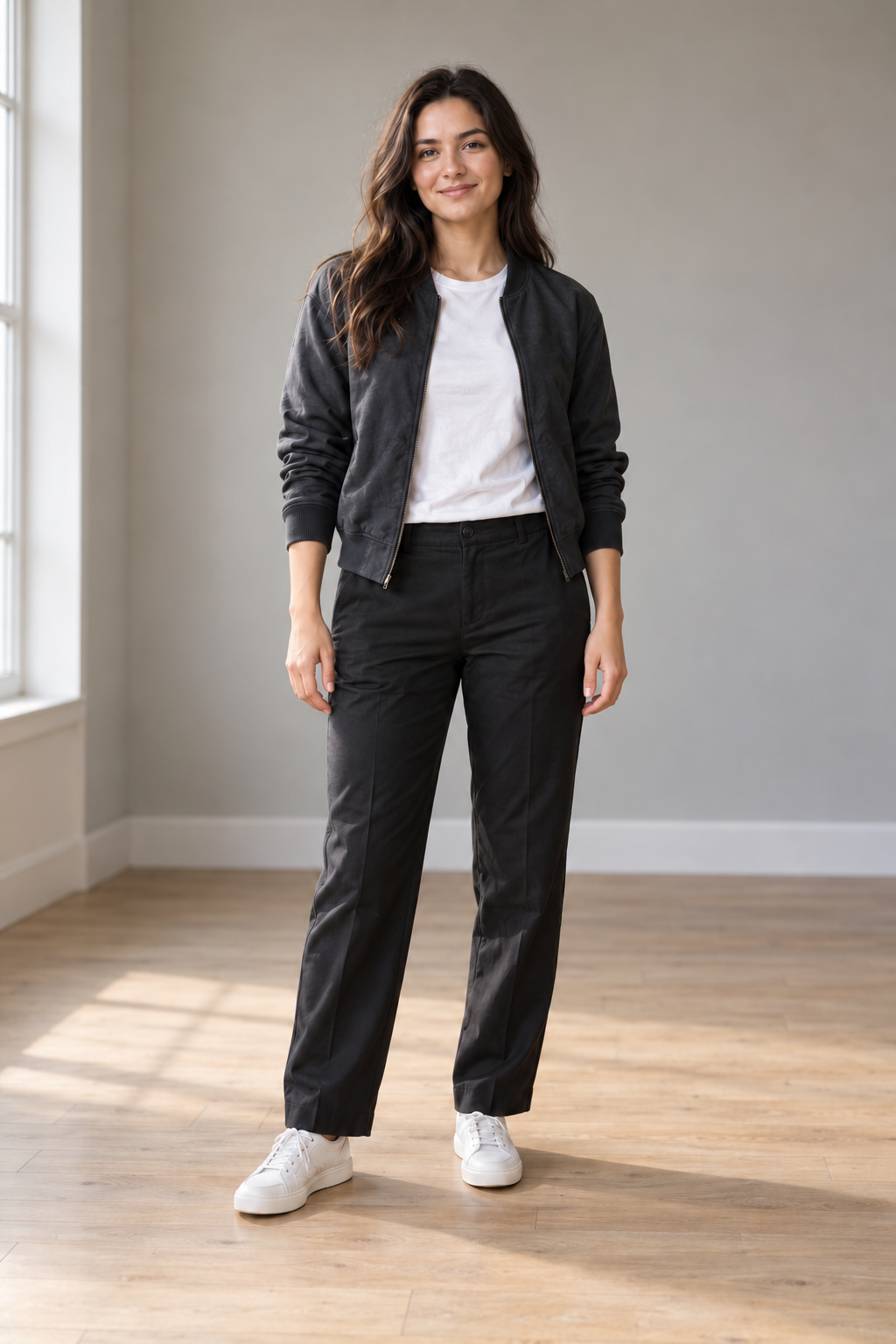
A visible floor helps you judge whether a foot appears grounded. Even light makes facial features and clothing edges easier to inspect. Avoid extreme blur, deep shadows and a crop that ends at the ankles.
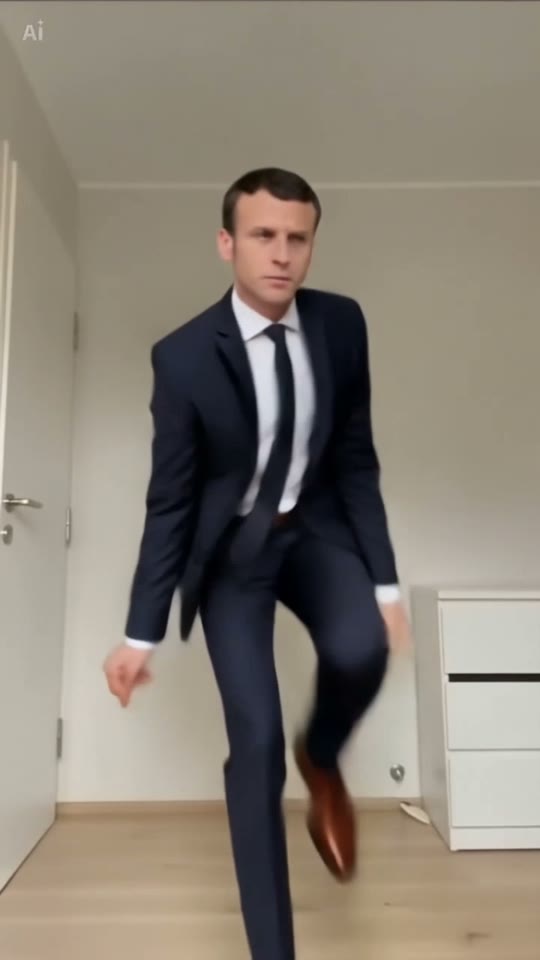
Each photo slot accepts a JPEG, PNG or WebP up to 10 MiB. It checks the file format and whether the browser can decode the image. Replace or remove it at any time before the editor starts. Selecting Generate video uploads your photos for generation.
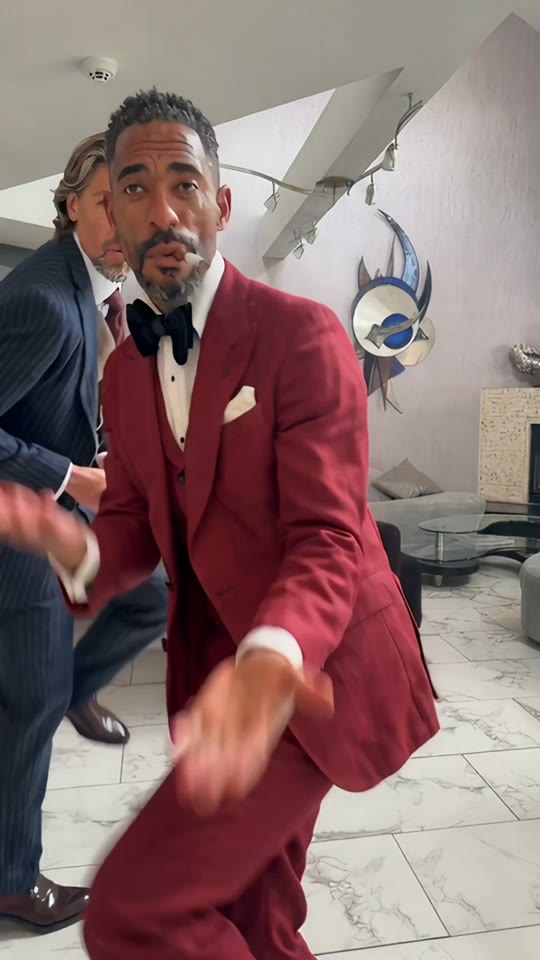
Full body. Clear light. Your own style.
Solo, duo or a playful sideways lean.
Sign in, generate and download your video.
A headshot does not show the body or feet. Use a full-body image when you want those details to guide the motion.
Check the 10 MiB limit and use a real JPEG, PNG or WebP file. Renaming a different file to .jpg does not convert it.