Pick your photo
Full body. Clear light. Your own style.
Explore the difference between movement, framing and editing effects. Keep the dance readable while you shape the final look.
When you generate, your photos are uploaded to create your video.
The shuffle, weight shift and body lean create the core dance impression. Before adding overlays, check that the feet remain on the floor and that the body moves consistently. A color filter cannot fix broken movement.
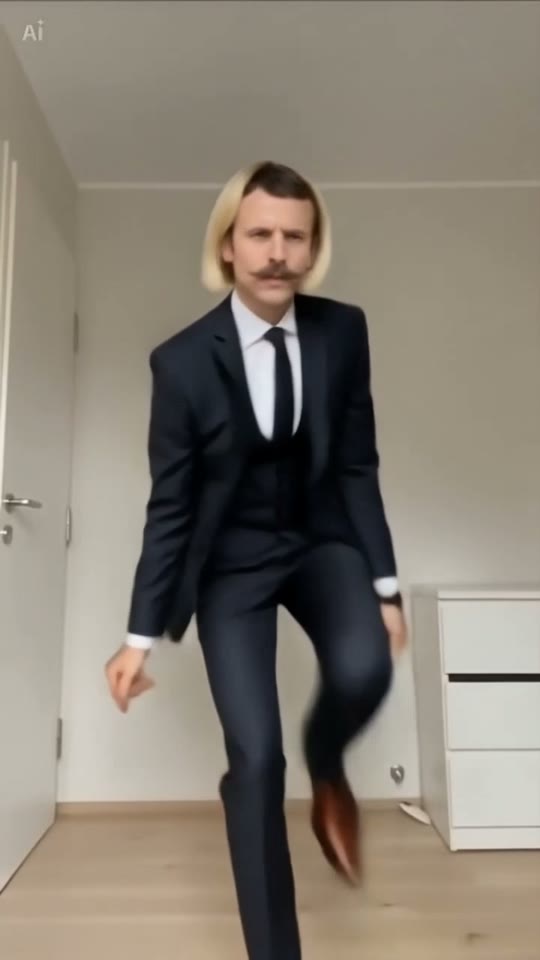
A fixed vertical frame keeps attention on the performer. Reserve room above the head and below the feet before a lean or a step. Avoid aggressive zooms that remove the movement you wanted to show.
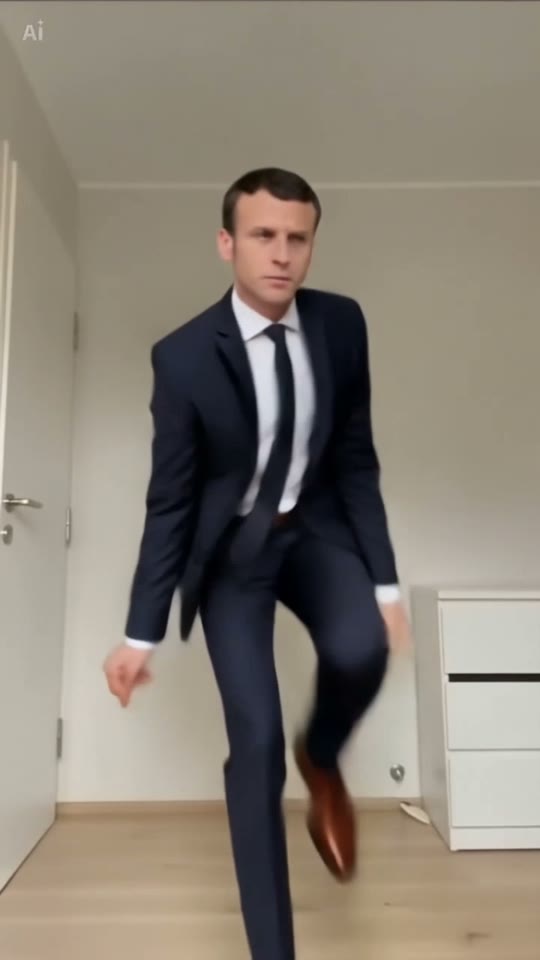
In an editor, try a short caption, a clean cut or a subtle color adjustment. Compare the edited clip with the original sample. If an effect makes the feet harder to follow, reduce it or remove it.

Full body. Clear light. Your own style.
Solo, duo or a playful sideways lean.
Sign in, generate and download your video.
The editor animates your photo using the selected dance reference. Add captions, color effects and other edits after downloading your completed video.
Start with simple side steps and a fixed camera. Add complexity only after the motion is easy to read.